

 RSMUS.com
We have repeatedly seen Sage Intacct find innovative and exciting ways to integrate AI with accounting and finance. We’ve also seen developers use AI to make their own platform and processes better than before. Those two trends are both on full display in one of Sage Intacct’s newest features: AI-driven Purchasing Automation.
How purchasing worked in the past
Purchasing has always been a manual process driven by people moving data from one source to another. And even as financial management platforms like Sage Intacct have arrived to help integrate the data and streamline the steps, purchasing still takes hours of effort and comes with high risk for error. It’s a process that’s ripe for improvement. It’s also a process well-suited to AI. That’s why purchasing will never be the same.
What does Purchasing Automation do differently?
Sage Intacct can now automate most of the purchase order process and eliminate most of the manual labor along the way. Instead of relying on people to manually match invoices to purchase orders and convert transactions from a PO to an invoice, AI can handle everything. It creates a draft for you to review and approve the work—or make changes—shrinking the amount of human input on each invoice to seconds or minutes. Otherwise, the purchasing process works the same as before, except now it’s artificial intelligence checking numbers and moving data.
How does the Purchasing Automation process work?
You can set up Purchasing Automation with document matching, without, or both. Then:
- You (or the vendor) emails invoices to a dedicated email address for automated processing.
- AI detects the vendor and document type, then matches the invoice to the purchase order (when configured).
- AI analyzes the vendor invoice layout, then extracts key details like names, dates, addresses, and line items.
- Sage Intacct creates a draft transaction with data pulled from the original invoice, which is attached.
- The system will also detect and flag duplicates to prevent overpayment.
- You cross-reference the draft transaction against the invoice and make any changes before posting.
- Machine learning studies the changes you made to get more accurate in the future.
It’s important to emphasize that AI only creates draft transactions, and you have complete control to revise information, change definitions, and post only when you’re ready. Plus, the more changes you make in the early stages, the better the AI becomes later on as it learns to identify and handle information more accurately.
Getting started with Purchasing Automation in Sage Intacct
Purchasing Automation has been designed to be intuitive, accessible, and require a minimal learning curve so you can get started sooner and reap the benefits faster. You need a Sage Intacct license, as well as a subscription to AP Automation. Once those are in place, it’s simple to set up Purchasing Automation as well, after which some of the most time and labor-intensive parts of accounting become almost automatic.
Partner with the Sage Intacct Specialists at RSM
For anyone who’s been involved with the accounts payable process, Purchasing Automation is the tool you’ve always wanted. Not only does it automate work you would rather avoid, but it also prevents many of the errors and inconsistencies that have been a problem in the past. Everyone benefits.
Sage Intacct makes this transformative tool easy to get started with, but it’s important to adapt appropriately. It will take some tweaks in Sage Intacct to get Purchasing Automation up and running. It also helps to align people and processes with the technology to prevent friction and manage change.
If you’re excited by what Purchasing Automation can do and want to get started sooner rather than later, the Sage Intacct specialists at RSM are here to help. Contact our team about getting this exciting feature set up, or about migrating to Sage Intacct if you haven’t already.
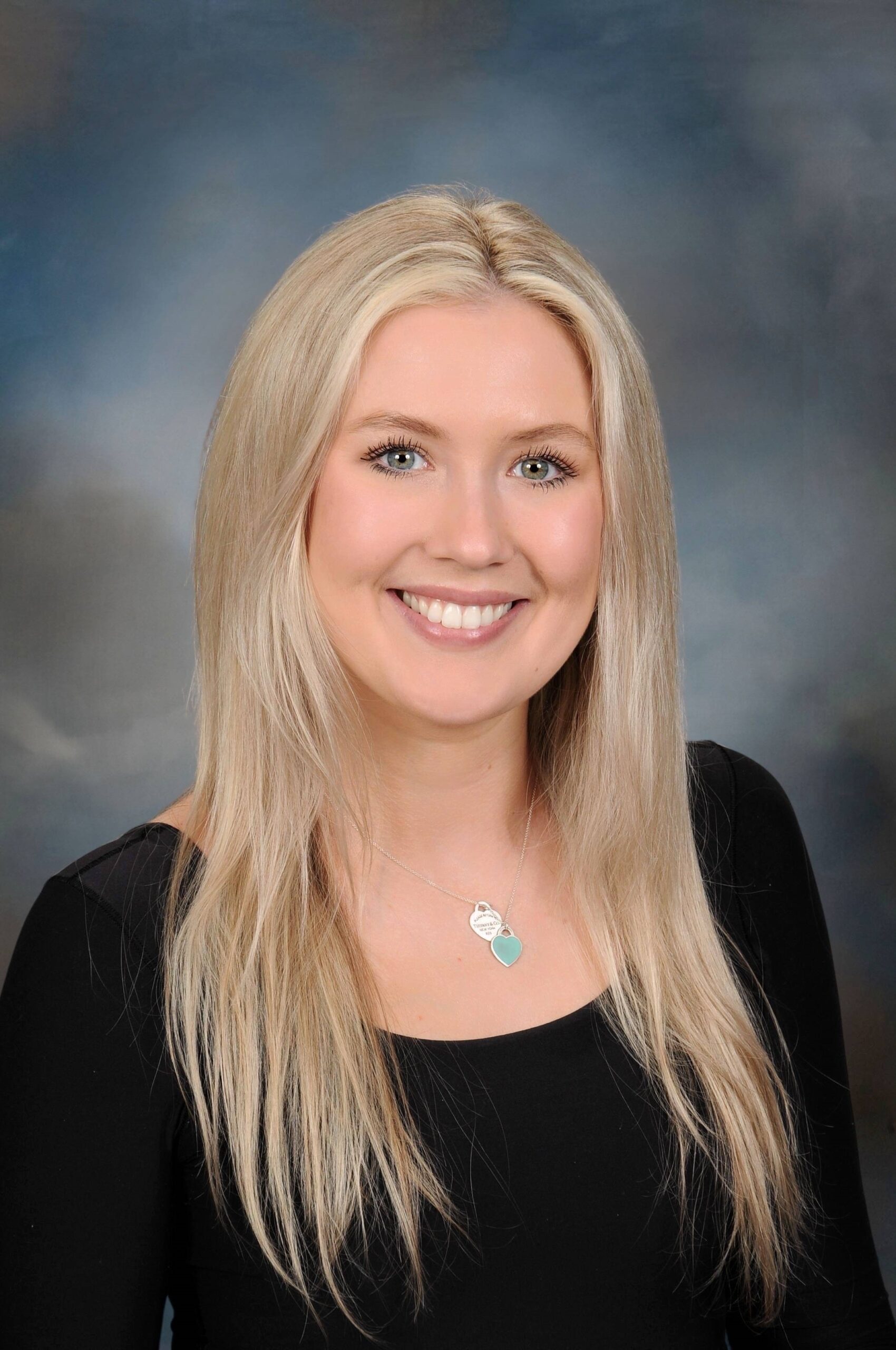
Michelle DeMotte
Michelle is an Associate in the Technology Consulting Practice and works on the Sage Intacct team. She specializes in the not-for-profit and construction/real estate industries. As a Sage Intacct Certified Implementation Consultant, Michelle helps clients not only streamline their financial processes but also work more efficiently and ensures client satisfaction throughout the project life cycle.